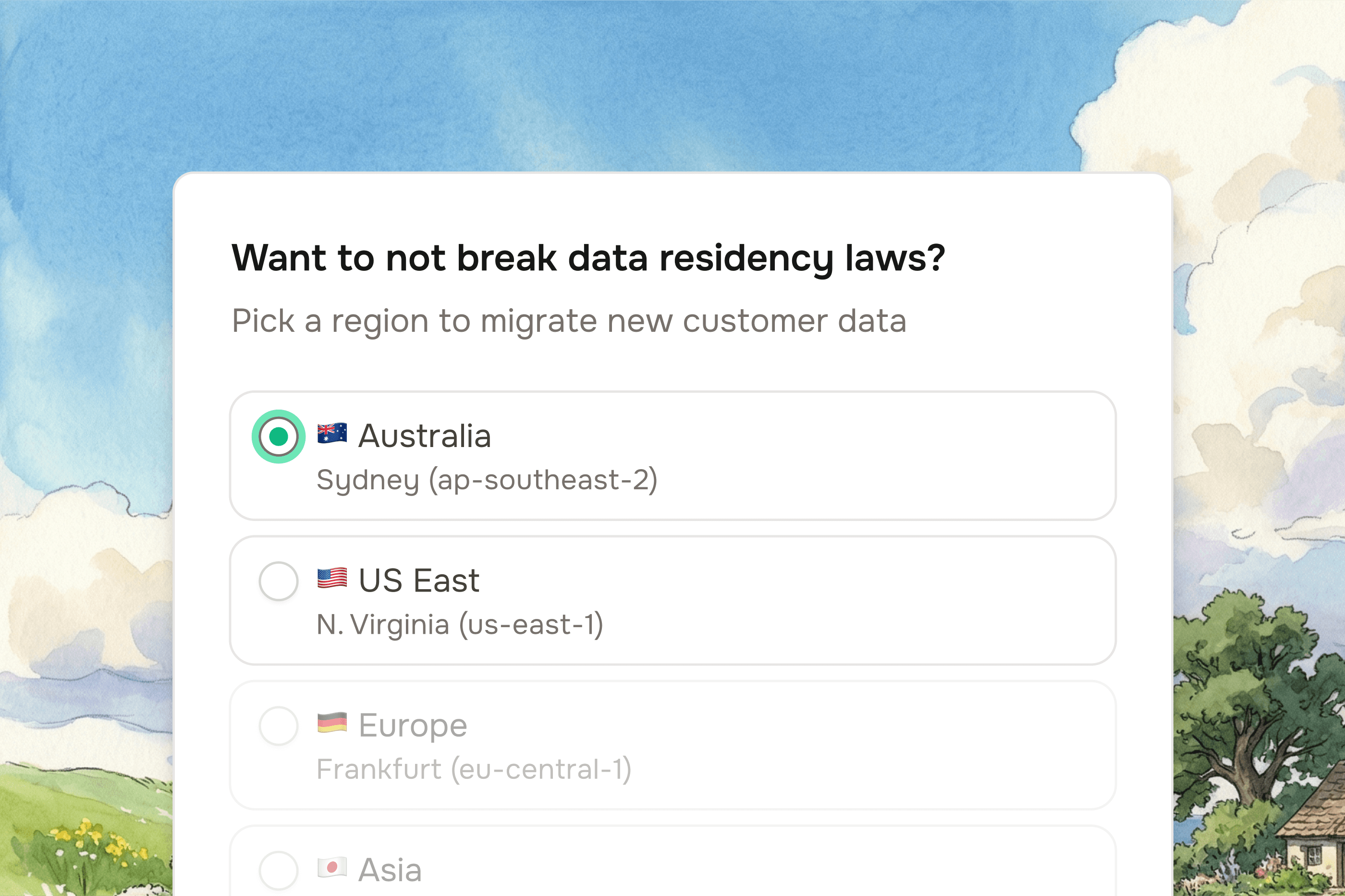
Memory, merging, and smarter extraction
We've shipped major updates to the data import process.

Vish Varma
Co-founder, CEO
Product
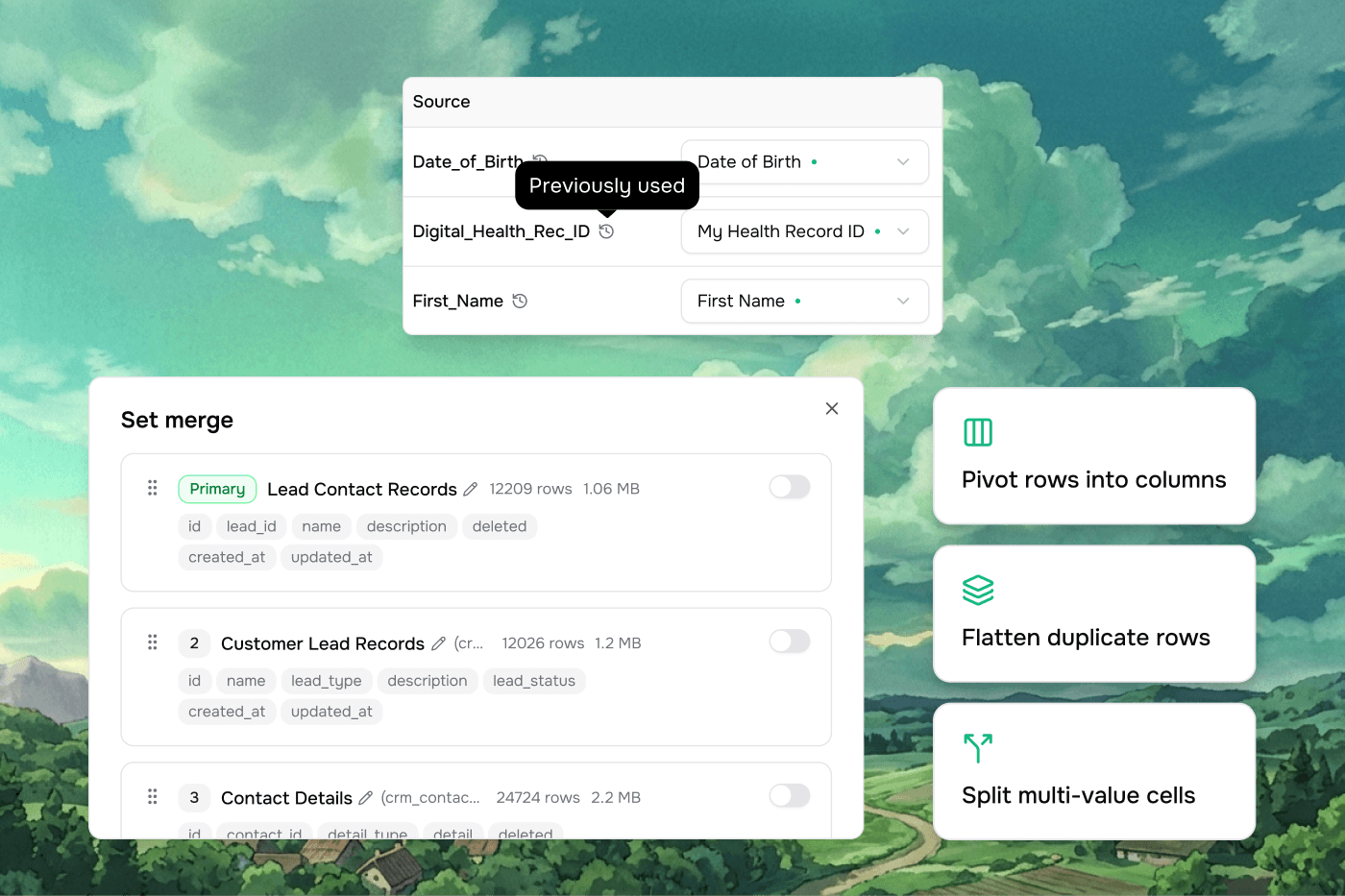
Here's what's new this week to help you get data in faster, with less cleanup.
Upload multiple files at once
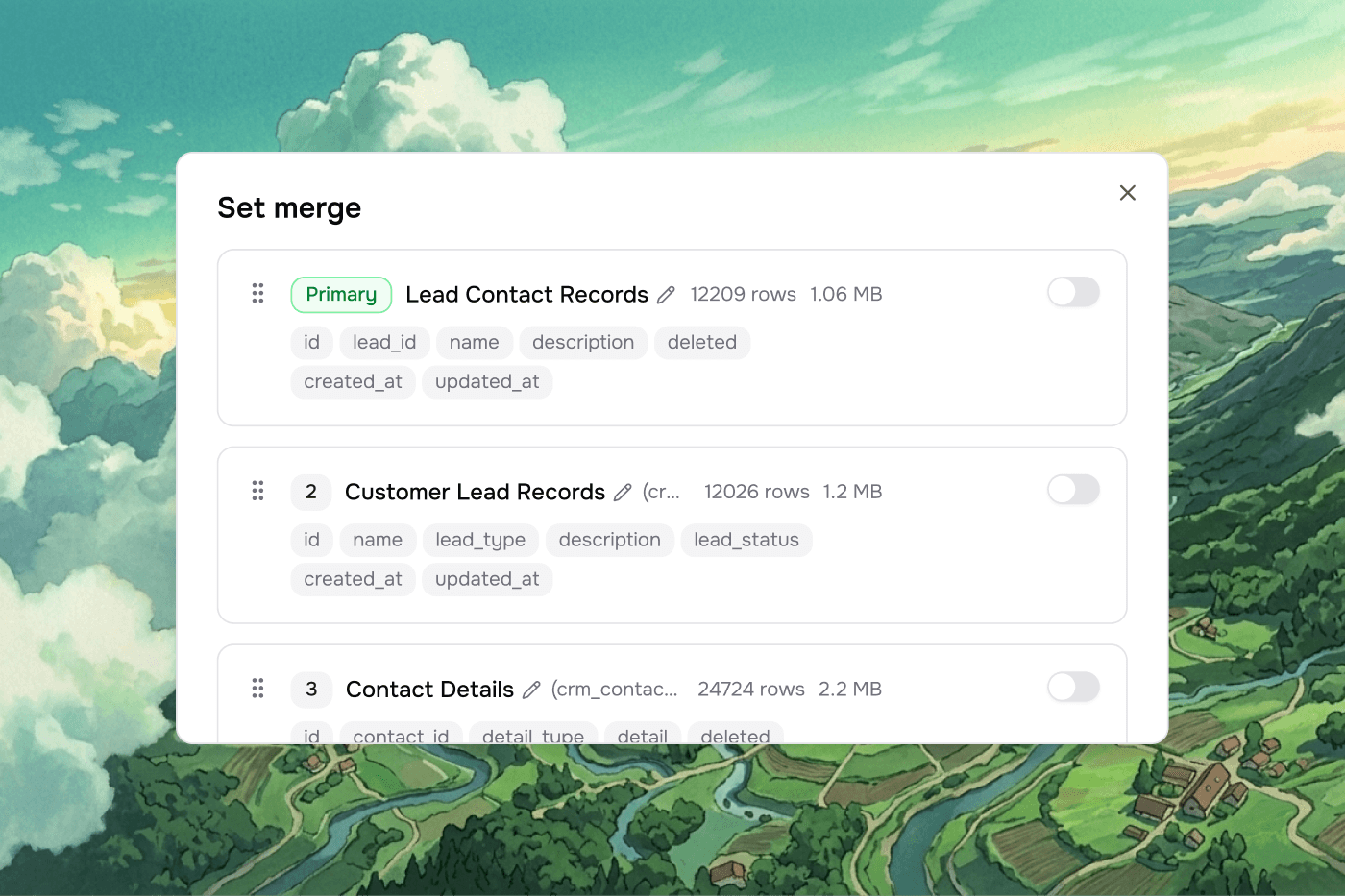
You can now drag in multiple CSVs and files, define how they relate, and Vern merges them into a single sheet — ready for mapping. No more importing one file at a time.
Reshape your data easily
A new Reshape Data step sits right after file merge. Instead of database concepts like joins and cardinality, you get plain-language options to pivot, flatten, or split rows — so you can fix messy source data before it hits your workbook.

Specify how you want files extracted
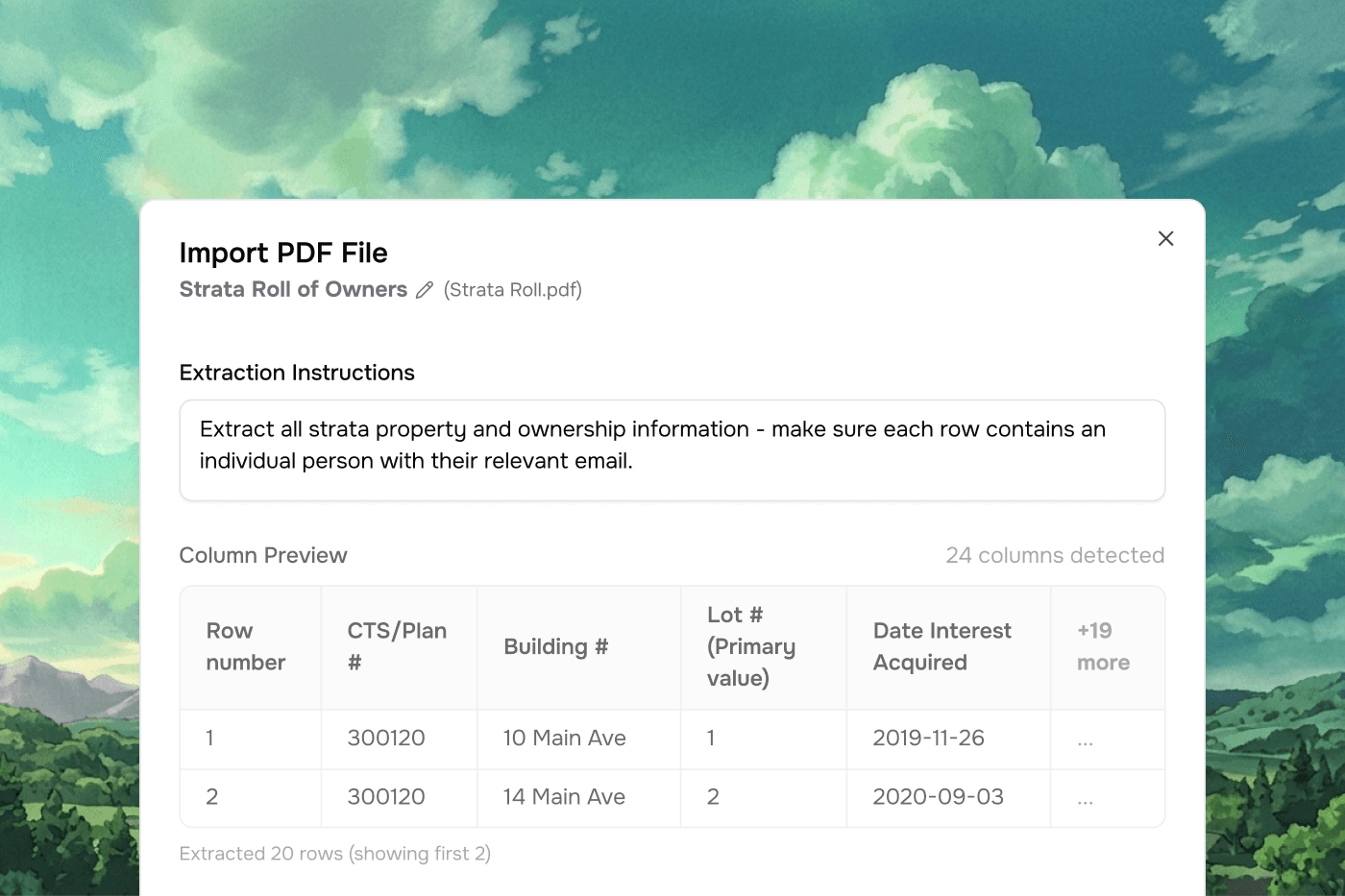
Upload a PDF and Vern allows you to prompt to get the structured data your way. Great for processing things like strata rolls, catalogues, or compliance docs without manual copy-paste. Set it once, and Vern remembers the next time.
Smarter column mapping
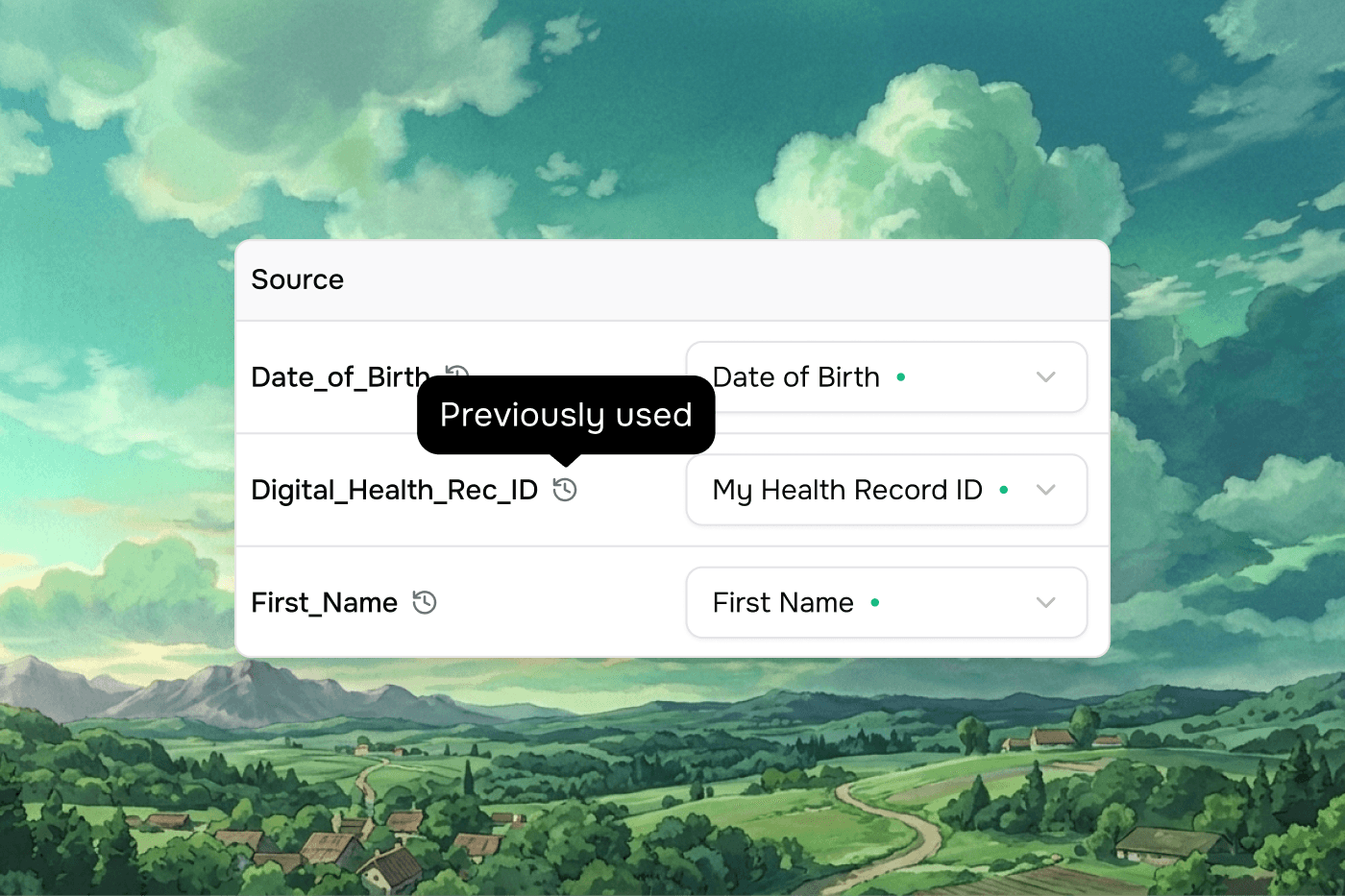
Vern now remembers your previous mappings per source, so re-imports are nearly instant. The mapping preview also pulls example values from deeper in your data, not just row one.
Other improvements
Workbook sheets now support up to 100k rows
Resolve duplicates and match rows in batch instead of clicking through them one by one
Split column now works correctly on imported data
Excel sheets with empty first rows are detected properly
Vern Ignition plans now include 10,000 workbook rows and 1,000 web agent runs