Data Migration: Build vs. Buy
Make an informed decision about your customer migration infrastructure

Vish Varma
Co-founder, CEO
Product

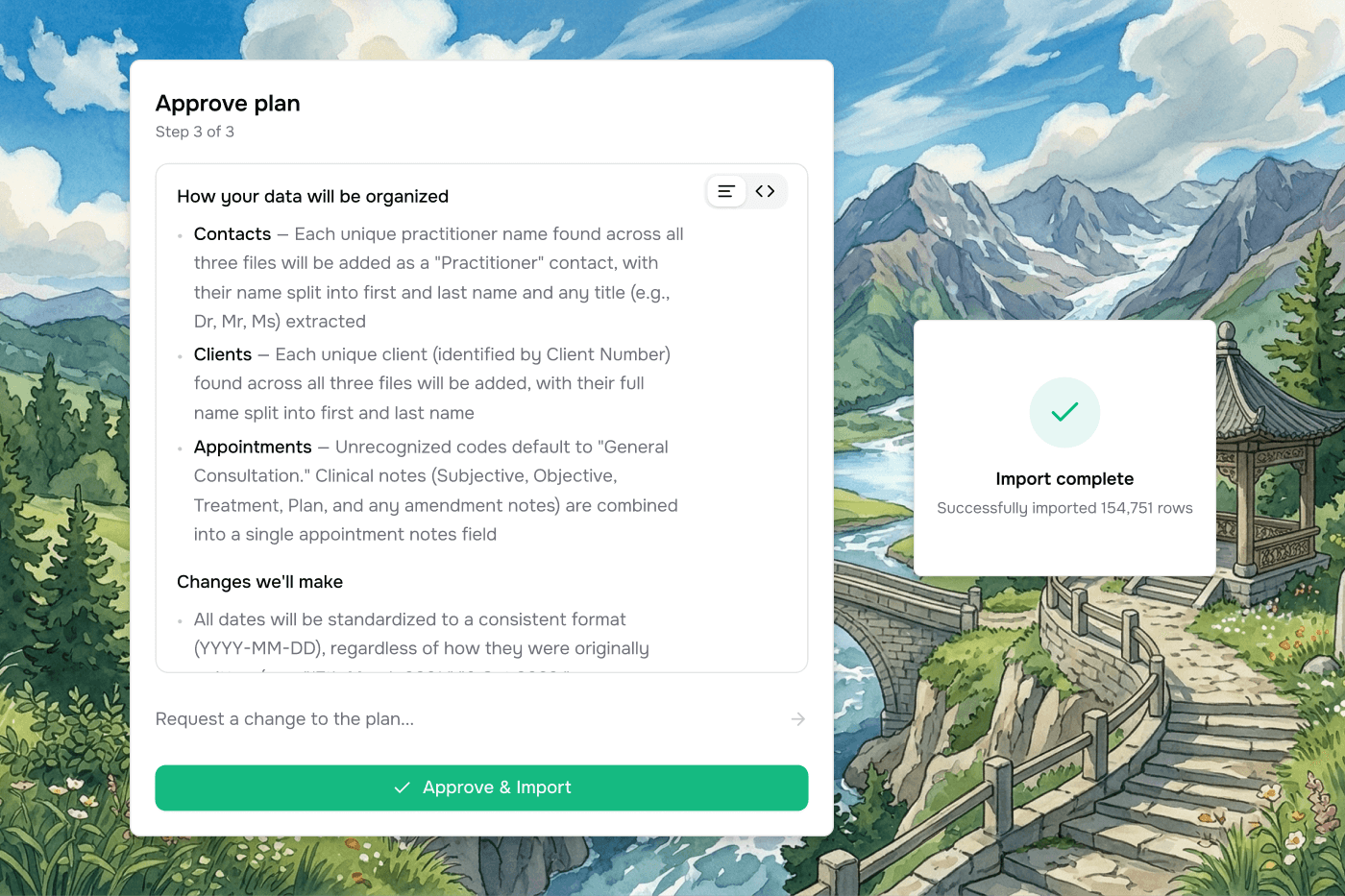
Data migrations look simple. Get a CSV from the customer, map it to your schema, run an import. In practice every customer arrives with a different source system, dirty data, missing fields, multi-file relationships, PDFs that need OCR, and edge cases that only surface in production.
Most teams start with a handful of CSV templates and an implementation team that babysits each migration. Six months later, that team is the bottleneck on every new customer. Engineering has a backlog of "just add support for X source system" requests that never gets shorter. Onboarding time has become the #1 reason deals slip in the last mile.
The table below compares the two paths across 12 dimensions that matter once migrations are in production. A narrative summary and FAQ follow.
Vern | Build in-house | |
|---|---|---|
Engineers needed | 0 to build, 0 to maintain | 1 senior engineer for 2-3 months to ship v1, then 1-2 engineers ongoing for the long tail |
Time to market | Days to first migration | 2-3 months to v1, 12+ months to production-grade |
Source system coverage | Any combination of CSV, Excel, SQL dumps, JSON, and PDFs in a single migration. Mappings saved and reused across customers from the same origin. | Each new source system is a multi-week project. The backlog grows faster than the team can drain it. |
Edge case and dirty data handling | AI analyses uploaded data and consolidates identical issues into plain-English questions. 100,000 identical issues become a single prompt. Decisions saved and reused across migrations. | Either hand-coded validation rules that don't generalise, or generic LLM calls at 60-70% accuracy. Both produce a long tail of escalations. |
Cross-customer learning | Templates, validation rules, source-system mappings, and edge-case decisions reused across every customer. Migration #50 takes a fraction of the time of migration #1. | Each migration solved in isolation. Knowledge lives in the implementation team's heads or in scripts that drift. |
Implementation team usability | Built for non-technical implementation managers and data analysts. No SQL, no scripts, no engineering bottleneck. | Engineering involvement required for anything beyond the happy path, which is most migrations. |
Customer-facing data collection | Share a workbook link with the customer. They fill in missing fields directly, with column-level permissions and inline validation. | Email threads with spreadsheet templates. Customer churn during onboarding is a real cost. |
Transformation and validation logic | Joins, pivots, flattening, splits, pattern matching, and cross-column and cross-table calculations are first-class operations. Configurations saved and reused. | Each transformation is custom code. Each new requirement is a ticket. |
Output integration | CSV export, webhook integration with configurable batch sizes, and direct API push. | Tightly coupled to your current import path. Schema changes require parallel updates. |
Ongoing maintenance burden | Updates ship automatically. New source systems and edge cases absorbed without engineering work on your side. | Engineering load that scales with customer count. Team can't be reassigned without leaving the tool to rot. |
Accuracy | 99% benchmark on production migrations, with human-in-the-loop confirmation on ambiguous cases. | Demo-grade tools hit 60-70% on real data. Closing the gap is the hardest and most underestimated part of the project. |
Total cost of ownership | Predictable monthly pricing scaled to rows migrated, with no per-user fees. | Fully-loaded cost of 1-2 senior engineers ongoing, plus opportunity cost of pulling them off the core product. |
The case for buying
Customer migrations are not a feature you ship once. They are infrastructure your implementation team relies on every week, and the failure modes are visible to your customers: stuck onboardings, missing data, errors they can't debug, and an experience that contradicts everything your sales team promised.
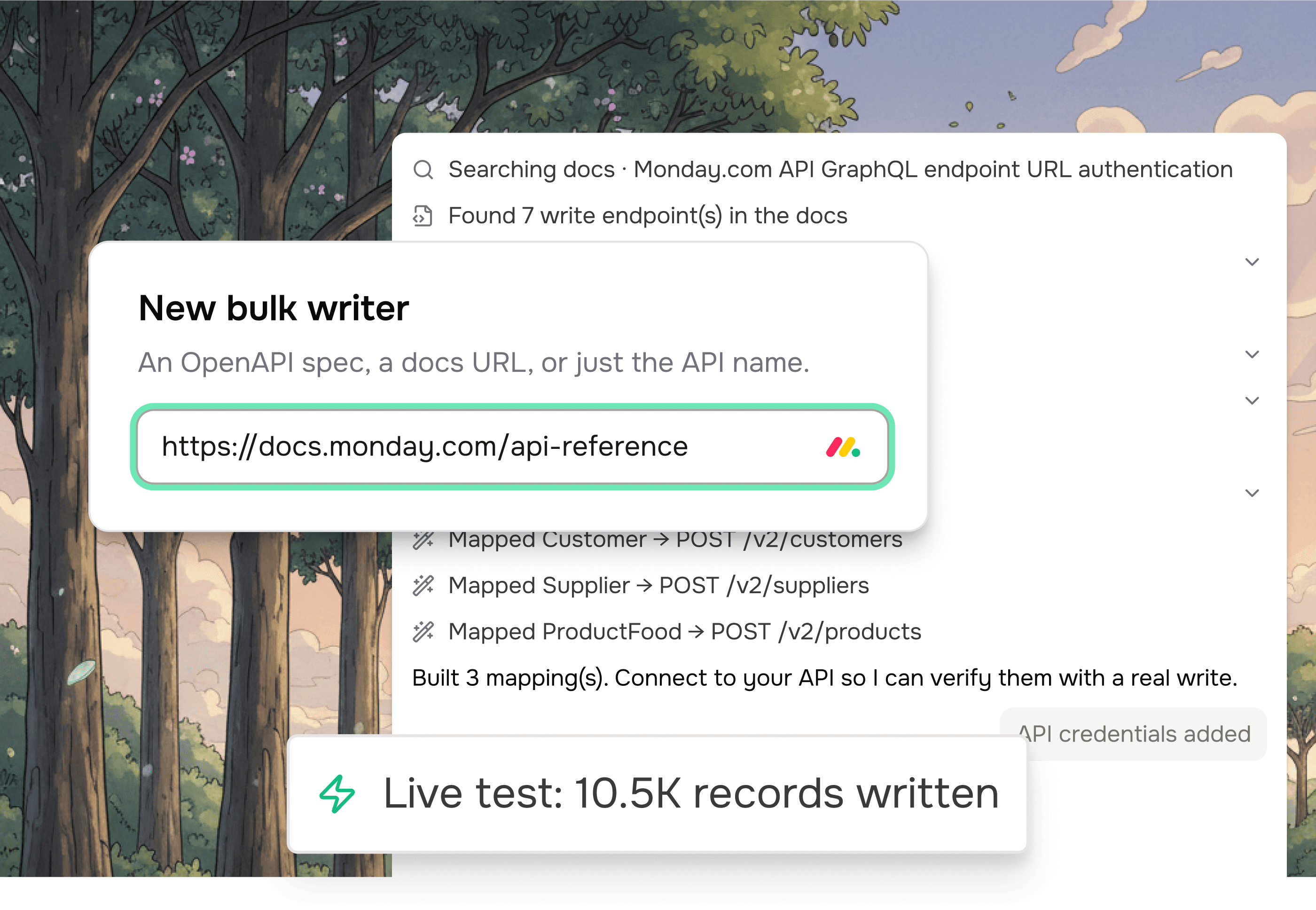
Buying means starting from a system that has already absorbed thousands of edge cases across customers in property management, construction, field services, ERP, and allied health. Vern provides a template and validation engine with custom pattern matching and cross-column rules, an AI questioning layer that consolidates identical issues across a dataset into single prompts, a transformation engine handling joins, pivots, flattening, splits, and extraction from unstructured text, a customer-facing workbook for collecting missing data, source-system memory that reuses mappings across customers, PDF and Excel parsing with auto-detection, and CSV, webhook, and API output — all configurable in days rather than months.
The cost of building
The build case has gotten more attractive with AI coding tools. A senior engineer with Claude or Cursor can ship a workable v1 in a couple of months that handles the three source systems they tested with. That's real and worth acknowledging.
What the AI-assisted build doesn't shortcut is the long tail. Customer #4 arrives with a Fishbowl export. Customer #7 has a SQL dump from a legacy on-prem system. Customer #12 has 800 PDFs. Customer #15 has the same source system as Customer #3, but the previous owner formatted everything differently. Each of these is a multi-day engineering project, and the requests don't stop. Twelve months in, the team that "just built a quick v1" is now a permanent two-person migration tooling group, and the backlog is longer than it was at the start.
The maintenance burden compounds in another way too: every schema change on your core product requires a parallel change in the migration tool. The migration tool starts gating product velocity.
When buying is the right call
Buy if customer migrations are a means to an end rather than your core product, if you need to onboard customers in days rather than weeks, if you're already seeing onboarding time become a reason deals slip, or if your implementation team is the bottleneck on revenue.
Buy if you've already tried to build it and the v1 works on demo data but breaks on real customer data. This is the most common case we see.
When building can still make sense
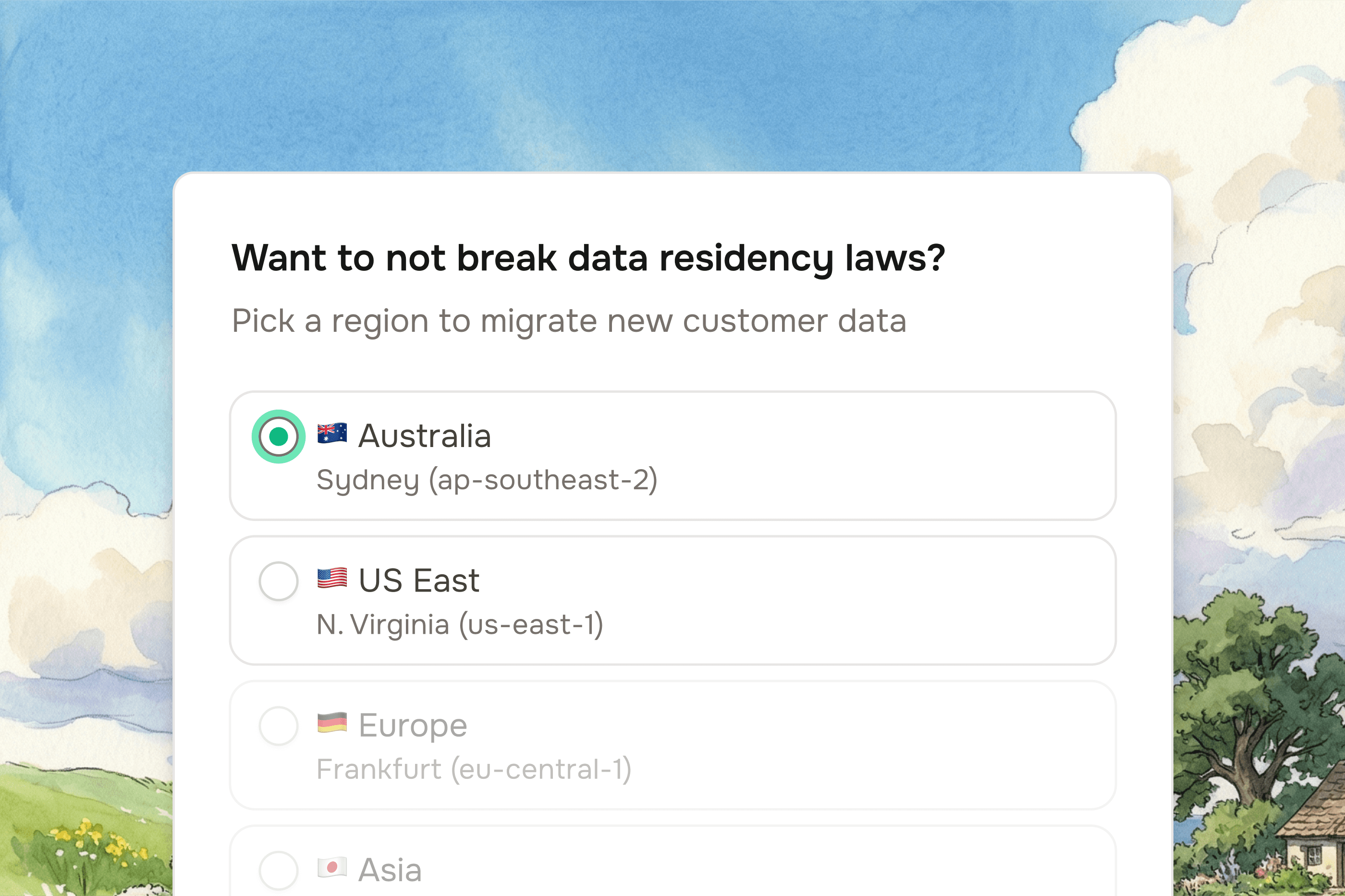
Building in-house is defensible in a narrow set of cases. If you have very low migration volume — a handful of customers a year — the build math doesn't work, and you should keep doing it manually rather than building or buying. If your source data is truly proprietary with no recurring pattern across customers, the cross-customer learning argument falls away. If you have strict data residency or air-gapped deployment requirements that no vendor can meet today, you may need to build.
For everyone else, the build path looks attractive at the start because the v1 is small. The cost shows up later, in escalations, schema drift, and a backlog that never shrinks.
Summary
For almost every B2B SaaS team with recurring customer migrations, buying is faster, cheaper, and produces a better customer experience than building. The AI-assisted build looks attractive in proposal form. The long tail of source systems, edge cases, and customer escalations is what kills it.
If migrations aren't your core product, put your engineers back on the work that differentiates you.
Book a demo or talk to the founder.
Frequently asked questions
Is it cheaper to build a migration tool in-house or buy Vern?
For most teams, buying is cheaper. AI coding tools have made the v1 faster, but the cost has shifted to the long tail of source systems and edge cases, which AI doesn't shortcut. Twelve months in, the fully-loaded cost of the engineering team running the internal tool is multiples of Vern's pricing, and that's before counting the opportunity cost of pulling them off the core product.
How long does it take to build a customer migration tool in-house?
A senior engineer with Claude or Cursor can ship a working v1 in 2-3 months. Getting to production-grade — handling the long tail of source systems your customers actually arrive with, hitting 99% accuracy on dirty data, and not requiring engineering involvement for every migration — takes 12+ months. With Vern you can run your first migration in days.
Why is building a migration tool harder than it looks?
The v1 is easy. Mapping a clean CSV to your schema is a weekend project. What's hard is the long tail: customers arriving with mixed file formats, PDFs that need parsing, multi-file relationships, mixed date and currency formats, near-duplicate records, HTML stuffed into description fields, and missing required fields that the customer needs to fill in. Each of these is a project on its own, and the requests don't stop coming.
Won't AI coding tools like Claude and Cursor change this calculus?
They change the v1 timeline. They don't change the long tail. The hard part of a migration tool is absorbing edge cases across hundreds of source systems and customer datasets, and that work is sequential — every customer surfaces new ones. The teams that try to build with AI assistance ship a v1 quickly and then spend the next year on the same backlog teams without AI assistance had.
What are the hidden costs of building migrations in-house?
The visible cost is engineering salary. The hidden costs are: opportunity cost of pulling senior engineers off the core product, customer support load when migrations break, implementation team frustration when the tool doesn't handle a new source system, deals that slip because onboarding takes too long, and the schema drift between your migration tool and your core product as both evolve.
Can Vern replace an existing in-house migration system?
Yes. Many Vern customers migrated off an internal tool that had become a maintenance burden. Migrations can be cut over per source system or per customer, running Vern alongside the existing tool until the implementation team is fully transitioned.
What about source systems Vern doesn't support yet?
Vern handles any combination of CSV, Excel, SQL dumps, JSON, and PDF inputs. Source-system specific mappings are configured per customer and saved for reuse. There is no "supported source system" list — if a customer can export data in any reasonable format, Vern can handle it.
What accuracy should a migration tool deliver?
Below roughly 95% accuracy on real customer data, a migration tool produces more support burden than it removes. Vern is designed for 99%+ accuracy on production migrations, with human-in-the-loop confirmation on ambiguous cases rather than silent guesses. Generic LLM-based importers typically hit 60-70%, which isn't usable in production.
What if we have data residency requirements?
We host on AWS in North America today. If you have strict data residency requirements that this doesn't meet, we'd be honest that we're not the right fit yet, and we'd want to talk to you about your timeline — this is an active area of work on our roadmap.